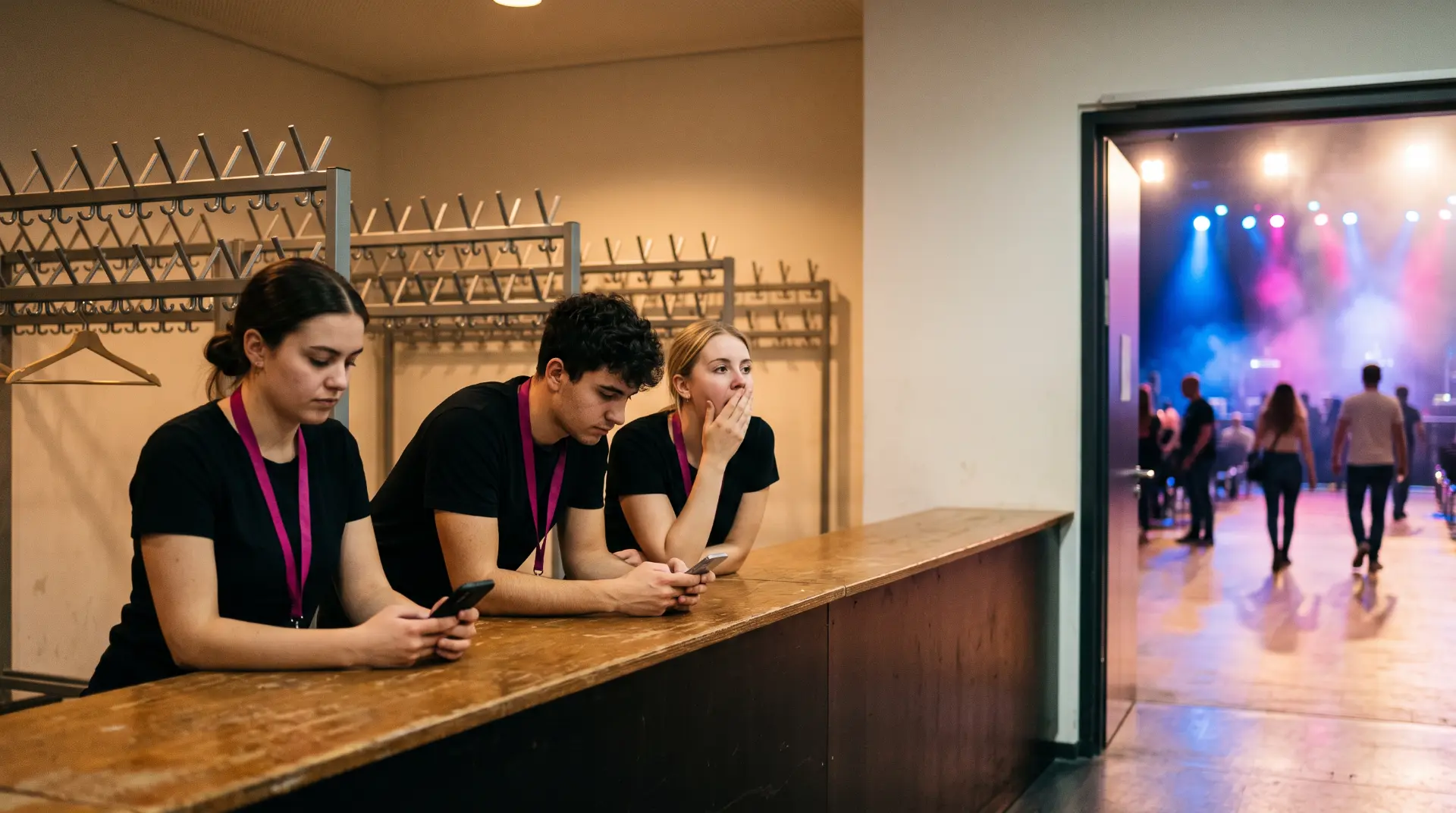
At arenas and trade fairs, the number of work stations counts, not the number of sites
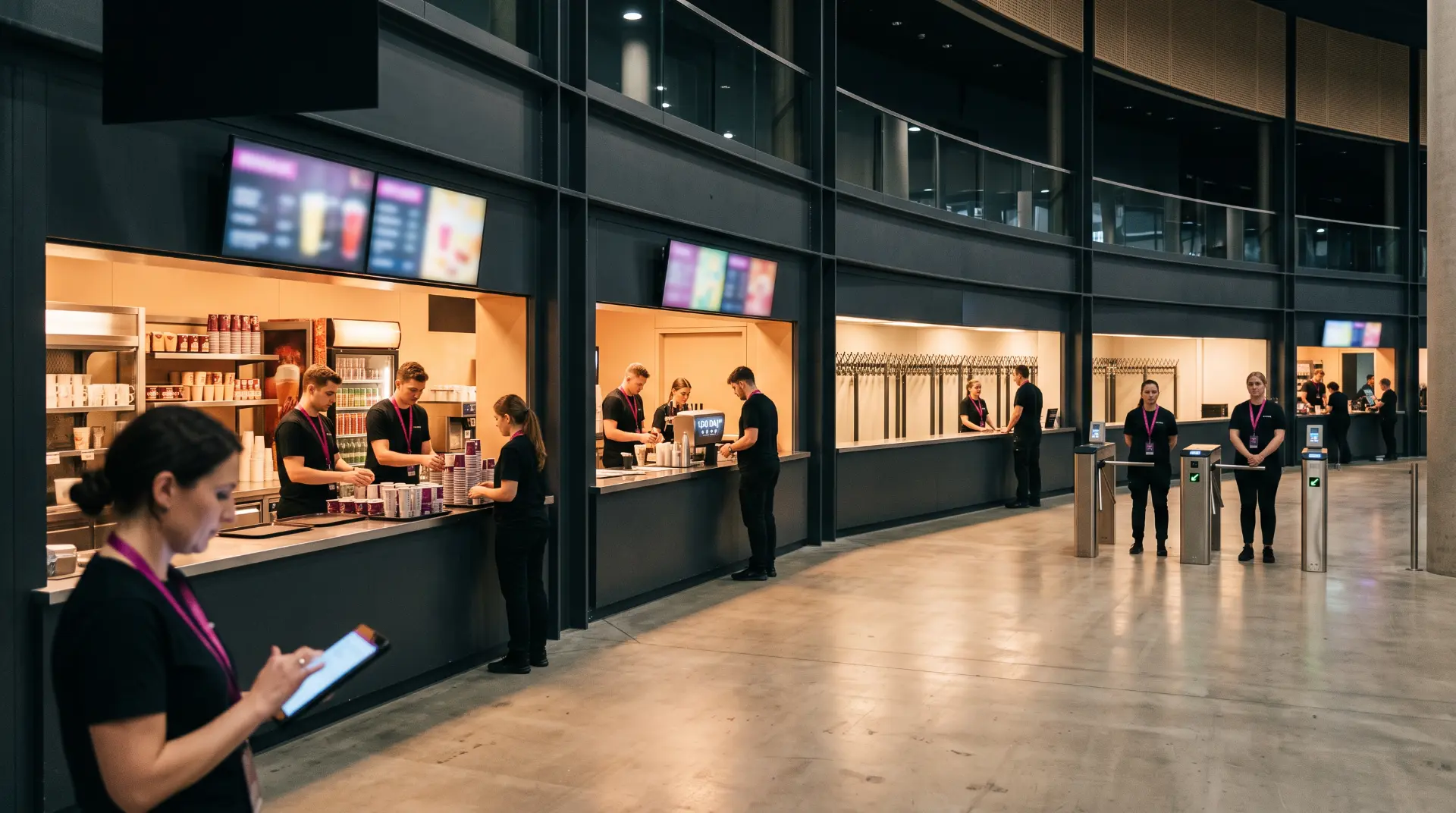

Ask about the size of a hospitality business and you usually get a number: branches, sites, employees. For an arena, a trade fair ground or a stadium caterer, that number says almost nothing. They often have **a single address** and still run dozens of kiosks, bars, boxes, cloakrooms and entrances in one evening. The real planning question is therefore not “How many sites?” but **“How many work stations, with which roles, at which times and with which people?”**
In short
- Most scheduling tools think in sites and fixed teams. That works for restaurants, cafés and branches.
- Arenas, trade fairs, stadiums and large caterers plan per event, across many work stations at once and with a changing pool.
- The complexity comes from work stations × roles × time slots × changing people, not from the number of addresses.
- Choosing software by how many sites it manages means asking the wrong question.
One evening, one address, 80 work stations
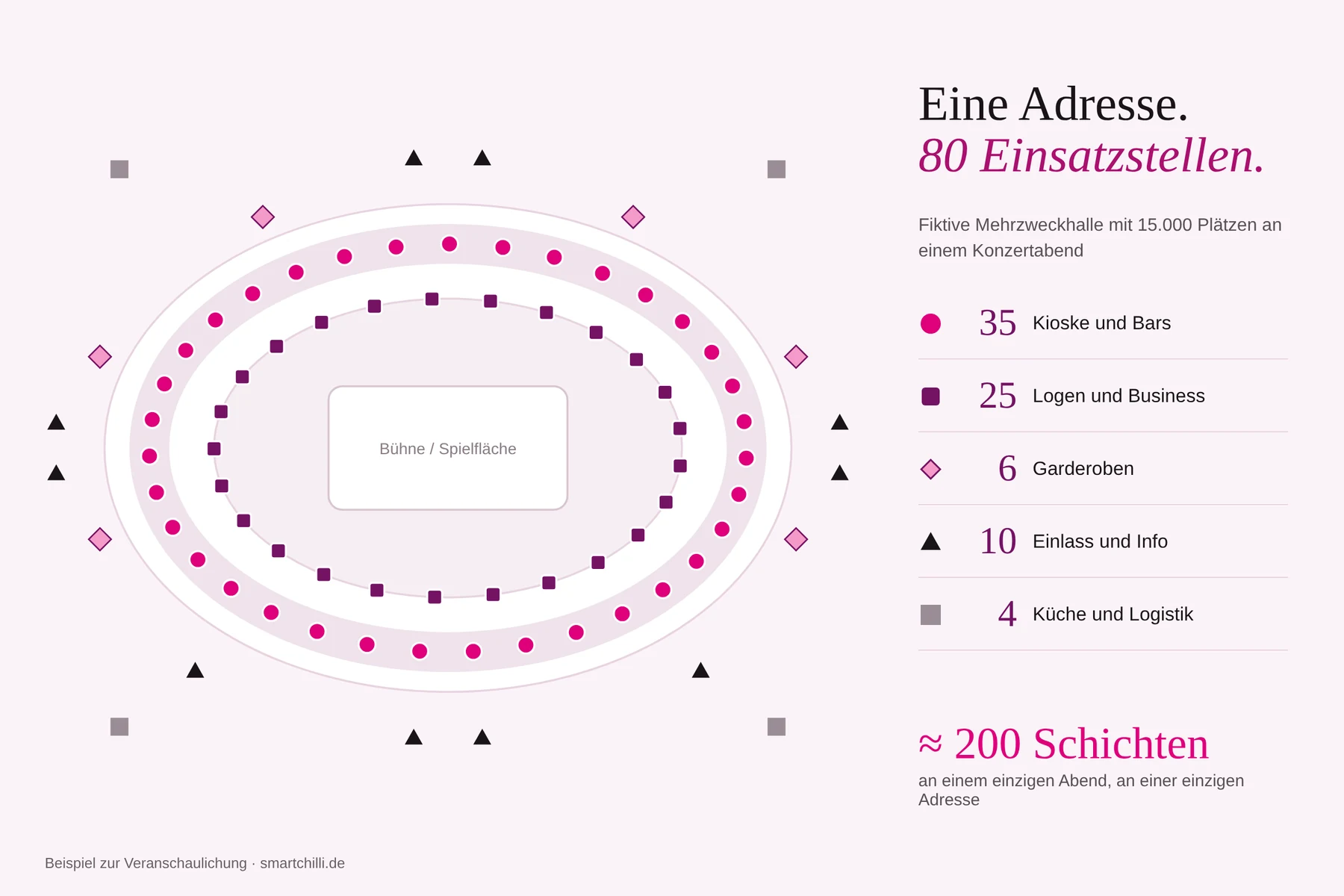
Let's take a fictional multi-purpose arena with 15,000 seats on a concert night:
| Area | Work stations | Typical roles |
|---|---|---|
| Kiosks and bars | 35 | Serving, till, restocking |
| Boxes and business area | 25 | Service, box hosting |
| Cloakrooms | 6 | Drop-off, collection |
| Entrance and info | 10 | Ticket checks, guest information |
| Kitchen and logistics | 4 | Prep, dishwashing, goods flow |
| Total | 80 |
With an average of two to three people per work station, that is around 200 shifts in a single evening at a single address. The next day there is basketball with a different set-up, at the weekend a corporate event. In a classic scheduling tool, all of this would be “one site”.
Why site logic reaches its limits here
Classic scheduling usually follows this pattern: site → fixed team → weekly roster. Whoever works on Monday often works next Monday too. That makes sense when opening hours and the team hardly change.
In event and trade fair businesses, almost everything shifts:
- The rhythm is the event, not the week. Dates, admission times and visitor numbers change constantly, sometimes at short notice.
- The pool is large and fluid. Students, mini-jobbers, part-timers and, increasingly, retirees – see our post on the Aktivrente (Germany's tax-free earnings allowance for employees past the statutory retirement age). Who is available when is decided date by date.
- Every work station has its own requirements. The bar needs a till briefing, the box needs notes on guests and allergens, the cloakroom the procedure for lost items.
- In-house staff and service providers mix. Some come from your own pool, some from staffing agencies. Everyone must be visible in the same plan.
Anyone mapping this in a site-based tool quickly ends up with workarounds: work stations as “departments”, briefings in a WhatsApp status, the service provider list in Excel.
Where classic tools are the better choice
In fairness, this belongs here too: a restaurant with a fixed team and stable opening hours doesn't need event logic. Site-based tools are often leaner and the better choice for that. You can find an overview of different solutions under alternatives compared.
The difference is not the size of the business, but the planning complexity.
Self-test: do you need event logic?
If you answer yes to three or more of these questions, the number of your sites is probably the wrong metric:
- Do you plan per event rather than in a fixed weekly rhythm?
- Do you run more than ten work stations at the same time on one day?
- Does the line-up change significantly from date to date?
- Do work stations need different briefings, checklists or sign-offs?
- Do in-house staff and external service providers work in the same shifts?
What planning for work stations must deliver
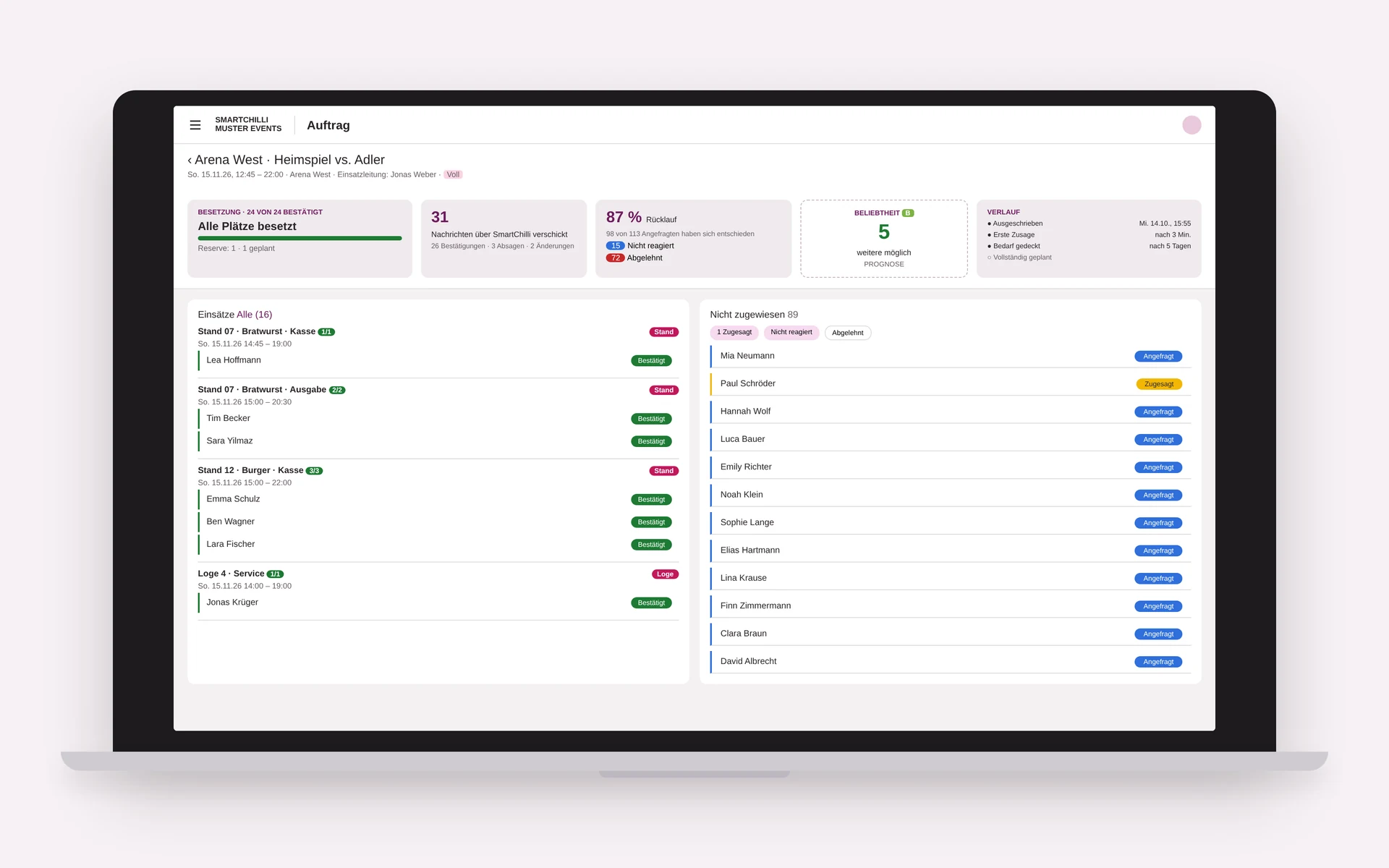
These questions lead to clear requirements. This is how SMARTCHILLI meets them:
Work stations as a separate level. Kiosk 12, Box 4 or Cloakroom North are created once and reused at every event, with roles, times and staffing requirements.
Voluntary confirmations instead of phone chains. Open shifts appear for the right pool, and whoever is available confirms with a swipe. Dispatching confirms the best line-up. That is how event dating works.
Briefings where they are needed. Smart forms are attached to the work station: till briefing at the bar, checklist in the box, sign-off at the end of the shift.
Everyone in one plan. In-house staff and external service providers appear in the same view. Double bookings and gaps stand out immediately.
Staffing live at a glance. PULS shows for each event how many positions are filled, how many of those invited have already decided and how many further confirmations can realistically still be expected.
Conclusion
Planning arenas, trade fairs or stadiums with a tool that thinks in branches means planning around the tool instead of with it. The better question when choosing software is: How many work stations do we staff on our busiest day, and how fast?
Want to see what this looks like for your work stations? Go to the SMARTCHILLI shift planning app. There you can book a 20-minute live demo or try it free for 30 days.
FAQ
As of: November 2026. The example arena is fictional; the figures are for illustration only.
Ready to drop the gut feeling?
Try SMARTCHILLI free for one month and experience scheduling without guesswork.
Book a live demo