The COCKPIT: event planning
These are the preliminary results of the newly developed planning process for SMARTCHILLI Flow.
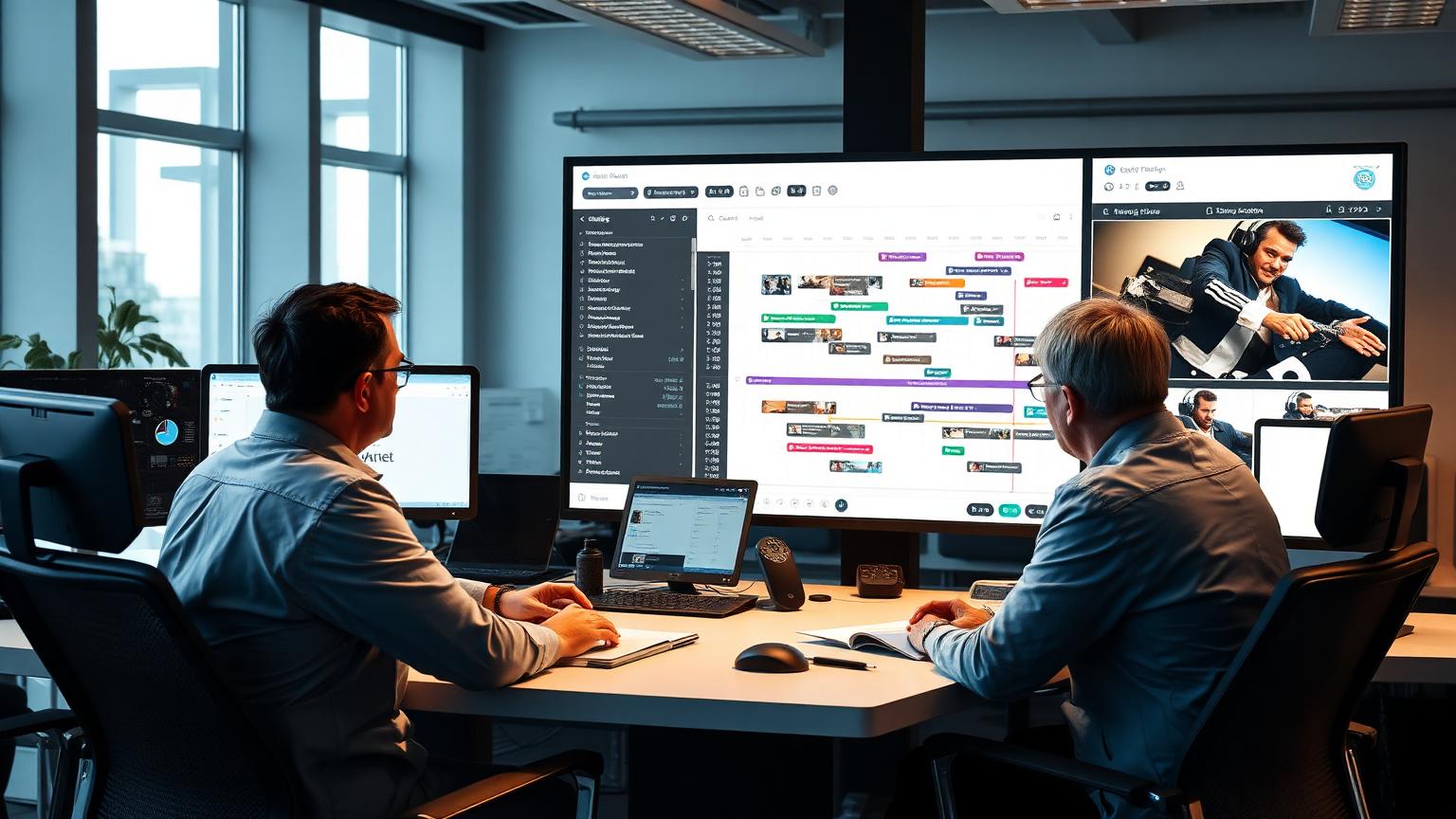

Planning is the wrong word for the generally prevailing working method. - Why?
In the past, planning always began with staffing based on qualifications and guest volume for specific events or weekdays. Not everyone was always needed. Then the plan was sent to the employees, and one hoped for the best.
Unfortunately, nothing hits harder than reality. Employees are unavailable on the planned day – the number of guests increases or decreases. So, after planning comes more planning. You replan, send out the 2nd version of the plan, and again hope for the best.
This process is repeated until reality and the plan more or less align. So, events are offered repeatedly, and employees decide which ones they accept and which they don't.
The process is more like dating than planning.
“Instead of planning over and over again, we therefore start with our Event Dating – and then planning follows,” Frank Spiegelhoff sums it up.
The process.
For Event Dating, your dispatcher creates an event or shift in the Cockpit. Instead of planning on speculation, SMARTCHILLI asks employees. The right employees to ask can be easily found using tags. You can either ask specific individual employees or all employees in a shoutout.
What exactly are Tags? - The replacement for any form of list.
Employee tags instead of Excel lists. Because: employee selection is always crucial. What qualifications, what competencies and skills does the employee have? In the past, long lists or dropdown menus were used. The consequence: unclear, often outdated lists and endlessly long dropdown fields that were once maintained and then forgotten.
SMARTCHILLI Flow dispenses with all forms of lists. With us, it is possible to tag employees with two clicks from the Cockpit, which the computer can easily filter later.
Tags can be anything that can be important for the perfect deployment of an employee. Whether they prefer early or late shifts, what their clothing size is, or what training courses they have already attended. But it can also be a preference, an anniversary, or a hobby. Or a specific weekday they want to work. Tags are unsorted and are not checked for logic. They are little helpers that make it easier for dispatchers to find the right employees. And because they are so easy to create, the selection is always up-to-date. If a tag is no longer relevant, it can be deleted with just one click.
The number of tags per employee is unlimited. When requesting employees, you simply filter your employee pool by the appropriate tag and request the employees for the event.
The Event Dating.
After the request, the employee now finds this event in their Event Dating on their smartphone and decides whether they want to participate in the shift or event. This is done simply by swiping right for Like or left for Dislike. If they wish, they can decide whether they want to be deployed to a specific job site or if they are flexible.
The dispatcher then knows exactly with whom they can plan for the shift. Only then does the planning begin. Employees who have already scheduled themselves for their respective job site only need to be confirmed. Those who have accepted without selecting a job site can be assigned to the open shifts.
K.I.S.S.: Dispatch in the Cockpit.
Keep it simple, stupid!
Let's be honest: no one works all shifts and events simultaneously. Nevertheless, virtually all planning tools have a calendar at their core. But this quickly becomes confusing and constantly displays information we don't need. So why build a calendar where all shifts and events of the week or month are visible? K.I.S.S.! We subtly omitted that, true to our motto ("If you are in doubt - leave it out!"). We only show you the events that still need to be worked on. The fully planned ones you can close and hide. This gives a good feeling – and creates clarity.
To keep it clear, we work with colors and not status messages. Blue means: this employee has been requested but has not yet responded, red means: rejected. The employee has rejected the event. Yellow means: these employees like the event and have accepted. Organized and color-sorted, you can then plan calmly. You either confirm the employee at the job site they chose, or you drag and drop them to the job site where they are ultimately to be deployed. We call this "setting to green": because green is the color of confirmed employees who are now firmly scheduled. Every confirmation you make is then sent directly to the employees by our chat bots. No errors. In live operation, we have increased effectiveness by an average of +400%.
Nerd knowledge. What are the reasons for the success of this concept.
The concept is not witchcraft, but there are good reasons for this success – and it's not just a matter of installing the software and it running by itself. It revolves around trust.
1. Employee decision-making obligation (like or dislike). Employees decide directly for each event whether they want to participate – or not. The option not to decide or to delay making a decision is not given. Dispatch quickly recognizes at a glance who wants to participate and who does not (SPOILER ALERT: We can deduce how attractive an event is to employees based on their reactions; more on this in later NEWS).
2. Decision without regret: Employees can change their minds without having to fear trouble. Employees can change an acceptance to a rejection at any time – or a rejection to an acceptance. This means they incur no obligation, and utilization increases: they can decide for themselves when and where they want to work. Only when they have been "set to green" can they no longer change their minds and must contact dispatch.
3. 24/7 availability gives employees freedom. Event Dating can be used 24/7. Employees decide when it suits them. On the subway, in the evening in front of the TV, and no one in the company has to be on site or react immediately. In fact, the times when the office is open and when employees make their decisions hardly overlap at all. The office is open during the day, employees usually decide early in the morning or late in the evening.
4. Shop 'til drop. Event Dating is attractive and image-based: employees don't feel like they're creating a roster, but rather have a shopping experience they already know and like from other online purchases.
5. Curiosity and speed are rewarded. Only events that are not yet fully planned are visible in Event Dating: if an employee wants to participate in a specific event, it is advantageous for them to regularly check Event Dating and make a quick decision before others have filled the attractive shifts.
Ready to drop the gut feeling?
Try SMARTCHILLI free for one month and experience scheduling without guesswork.
Book a live demoComments
- No comments yet – be the first!